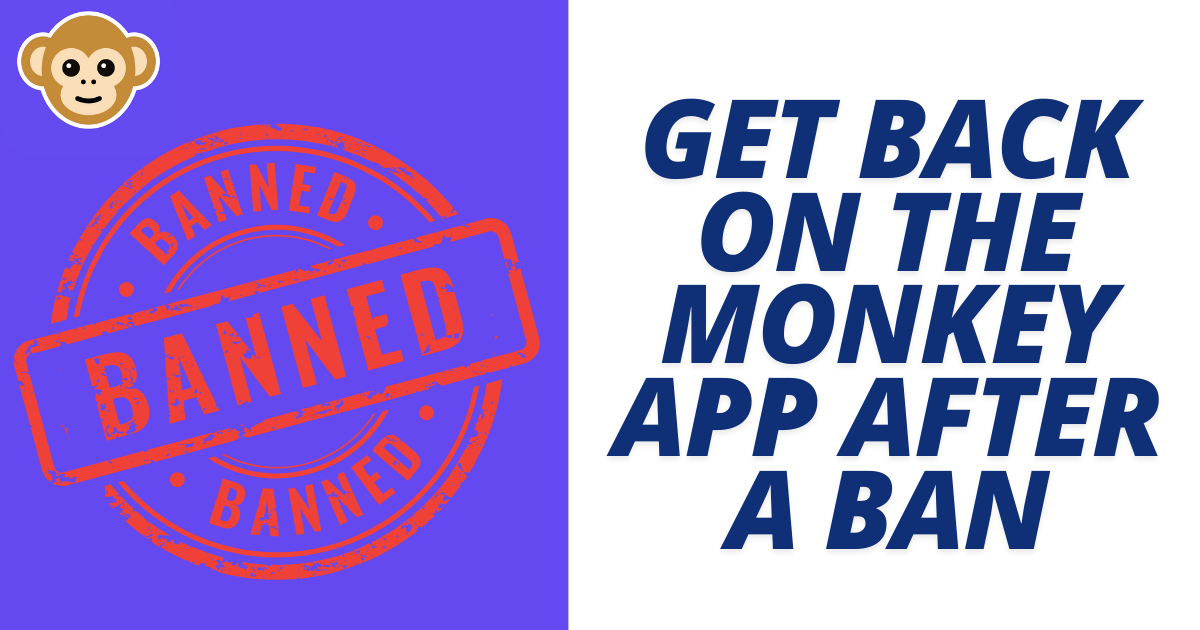
How to Get Back on the Monkey App After a Ban
If you’re facing a ban on Monkey App, you’re not alone. Many users experience temporary or even permanent bans for various reasons. Thankfully, these are steps you can take to understand the ban, possibly appeal it and get back to enjoying the app.
Common Reasons for a Monkey App Ban
Monkey App, like many social platforms, enforces rules to keep the community safe and enjoyable for all. Here are a few common reasons users might get banned:
- Inappropriate Behavior: This could include any behaviour that makes other users uncomfortable or breaks community standards.
- Spam or Excessive Messaging: Sending many messages quickly or posting the same content repeatedly can be seen as spam.
- User Complaints: If multiple users report your profile, this could trigger a review and potential suspension.
Knowing the potential causes can help you prevent a ban in the future and give you a better idea of how to handle the situation.
Steps to Appeal a Ban on Monkey App
If you believe your ban was a mistake or you’d like to request another chance, you can follow these steps:
- Check the Type of Ban
- First, determine if your ban is temporary or permanent. Temporary bans are often lifted automatically after a certain period, and you can get back on the app without taking any additional steps. Check any notifications or emails from Monkey App to see if they’ve provided details on the ban.
- Contact Monkey App Support
- If your ban is permanent or you want to appeal a temporary suspension, reach out to Monkey App support. You can often find the support email or form through the app or the official website. In your message, be polite, briefly explain your case, and ask if they can review your account.
- Follow Up
- Sometimes, it may take a few days for the support team to review your case. Patience is important during this process. You can send a polite follow-up if you haven’t received a response within a week or two, asking if they have an update on your case.
What to Do If the Ban Is Permanent
In some cases, bans are permanent, especially if they’re related to severe or repeated violations. If support confirms that your ban won’t be lifted, you have a few options:
- Request Another Review
- If you feel the ban was issued by mistake or believe you should be reconsidered, you can ask for a review one more time. Explain why you believe it was a misunderstanding and express your commitment to following the guidelines going forward.
- Consider a New Account
- If the ban is confirmed as permanent, creating a new account may be your only option. However, remember to follow the rules carefully to avoid being banned again, and avoid using the same email or contact information as your previous account.
Tips to Avoid Future Bans on Monkey App
Once you’re back on the app, keeping your account in good standing is key to avoiding future suspensions. Here are some tips:
- Familiarize Yourself with Community Standards: Spend some time reading through the app’s community guidelines. Understanding these will help you avoid actions that could lead to another ban.
- Be Mindful of User Interactions: Make sure that your interactions are friendly and respectful. Avoid excessive messaging or sharing content that others might find offensive.
- Limit Duplicate Messages: Avoid sending the same message repeatedly, which may be seen as spam and could trigger another suspension.
Additional Help and Support
If you’re unsure about the ban details or need further guidance, visiting the help center or FAQ section on Monkey App’s official site can provide more answers. These resources can often explain community standards in detail, so you’ll know exactly what to avoid.

David Hannery shares simple, helpful tips about the Monkey App on monkeyapppro.com. From features to safety, every guide is written to make your app experience better.